FACT CHECKED
What is in-app learning and why does it matter in enterprise software?
In-app learning is contextual guidance delivered inside an application while a user is completing a real task. Instead of asking employees to leave their workflow, search a help article, or remember what they learned in training weeks earlier, in-app learning provides support at the moment of need.
That distinction matters in enterprise software. Most large software rollouts do not fail because the platform lacks features. They struggle because employees hit friction during everyday use. Formal training may explain the system. Documentation may describe the process. An LMS may deliver foundational knowledge. But none of those tools guarantees that a user can complete a live task correctly under real conditions.

This is where in-app learning becomes useful. It closes the gap between rollout and actual adoption.
In enterprise terms, in-app learning is related to several adjacent concepts, but it is not identical to them:
- In-app training often refers to structured learning modules delivered inside the product.
- In-app guidance usually describes directional support such as walkthroughs, tooltips, and prompts.
- Help centers provide searchable self-service resources.
- Traditional e-learning delivers knowledge before use, often outside the live application.
In practice, in-app learning is the broader concept. It focuses on helping employees learn by doing, inside the software, while business processes are underway.
How in-app learning fits into the flow of work

The main benefit of in-app learning is that it supports execution, not just knowledge transfer. Employees learn while completing tasks such as submitting an HR request, updating CRM records, or processing an ERP workflow. That reduces knowledge decay because the guidance appears when the information is immediately relevant.
For enterprise teams, this often leads to faster time-to-productivity. New hires ramp more quickly. Employees adopt unfamiliar workflows with fewer errors. Teams spend less time switching between systems, job aids, and support channels.
The mechanism is straightforward. Instead of expecting memory to carry the burden, in-app learning reduces friction inside the workflow itself.
In-app learning vs. LMS, documentation, and live training
Each learning approach has a valid role.
An LMS is useful for structured curriculum, compliance courses, and foundational concepts before rollout. Documentation works well for reference material and detailed policy explanations. Live training helps when employees need discussion, coaching, or scenario-based instruction.
Where these approaches often fall short is during first real use. Employees may know the theory but still hesitate when faced with a live form, approval path, or unfamiliar process step. In-app learning addresses that moment directly.
That is why enterprise teams should treat in-app learning as a complement, not a replacement. It works best alongside formal training, documentation, and change management, reinforcing what employees need to do once work begins.
How in-app learning improves adoption, productivity, and software ROI
In-app learning improves software adoption because it reduces the effort required to use a system correctly. When guidance appears at friction points, employees are more likely to complete tasks, use the intended workflow, and return to the application with confidence.
The measurable business outcomes usually show up in familiar enterprise metrics:
- faster onboarding and ramp time
- fewer support tickets and repetitive questions
- higher process accuracy
- stronger feature adoption
- better license utilization
- lower training reinforcement costs
The ROI mechanism is practical rather than theoretical. Guidance appears when an employee gets stuck, not days or weeks earlier in a training session. That reduces rework, dependence on managers or support teams, and the tendency to avoid the system altogether.
This matters most in large-scale rollouts, where thousands of users interact with shared systems across HR, IT, finance, operations, and sales. In-app learning can support change management by reinforcing new processes after go-live, when formal training starts to fade and support demand rises.
Where the business impact shows up first
The first gains usually appear in high-friction, high-volume workflows.
In HR systems, in-app learning can support onboarding tasks, benefits enrollment, manager approvals, and employee self-service actions.
In CRM workflows, it can guide sales teams through data entry standards, pipeline updates, quote generation, and new feature adoption.
In ERP environments, it often helps with complex multi-step tasks such as procurement, finance approvals, and inventory processes where accuracy matters.
In IT service processes, it can reduce ticket volume by helping employees submit requests correctly the first time.
In compliance-sensitive activities, it can reinforce policy changes, required fields, and procedural steps without forcing users to leave the workflow.
These are the areas where software complexity, process variance, and user error often create the clearest business case.
What leaders should measure
To evaluate in-app learning properly, leaders should focus on operational KPIs tied to business outcomes:
- Completion rates for targeted workflows
- Time-to-productivity for new hires or newly trained users
- Support volume and ticket categories related to the application
- Task success rates and error frequency
- Feature adoption for underused capabilities
- Training cost reduction for repeat reinforcement and refresher sessions
The goal is not to measure content output. It is to measure whether employees complete work more effectively after guidance is introduced.
Common formats and in-app tutorial examples that support learning at scale
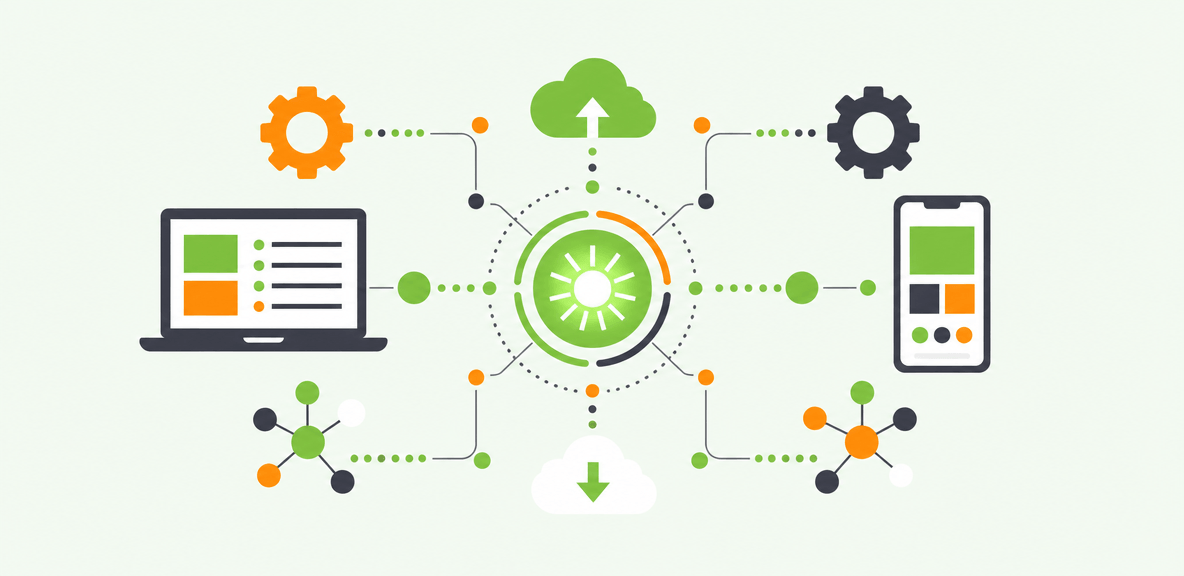
Enterprise teams use several formats to deliver in-app learning, depending on the task and level of complexity.
Common formats include:
- interactive walkthroughs for step-by-step guidance
- smart tips and tooltips for lightweight instruction
- pop-ups and announcements for change communication
- checklists for onboarding or process completion
- embedded resources for self-serve support
- workflow automation for repetitive, rules-based tasks
A practical example is onboarding a new manager in an HCM system. A checklist can introduce the key tasks. Smart tips can explain fields or approval requirements. A walkthrough can guide the first completion of a performance review. Embedded resources can answer policy questions without requiring a separate search.
For new feature adoption in CRM, a pop-up may announce the change, but a guided walkthrough is often what drives first successful use. For a policy update in finance or procurement, lightweight prompts may be enough if the workflow is familiar and only one step has changed.
The difference comes down to effort and risk. Lightweight nudges work when users need a reminder. Structured in-app tutorials work when they need help completing a task for the first time.
Which in-app learning format fits which use case?
Different formats serve different moments:
- Tooltips and smart tips: best for micro-guidance on specific fields or actions
- Walkthroughs: best for first-time tasks or high-stakes workflows with multiple steps
- Checklists: best for onboarding and progress tracking across a set of tasks
- Pop-ups and banners: best for announcements, reminders, and change communication
- Resource centers: best for self-serve support and reference access inside the application
- Automation: best for repetitive tasks where execution speed and consistency matter
A strong strategy uses these formats selectively. Not every workflow needs a full tutorial.
What strong in-app tutorial software should enable
For enterprise use, in-app tutorial software needs to do more than display guidance. Buyers usually look for capabilities such as:
- segmentation by role, region, team, or proficiency level
- analytics that show where users struggle and which content performs
- content maintenance that can adapt to application changes
- governance controls for ownership, approval, and publishing
- integrations with enterprise applications and broader tech stacks
- no-code or low-code creation so business teams can build and update guidance efficiently
At scale, maintainability matters as much as initial creation. If guidance becomes outdated after every UI change, the program will not hold.
How to design an effective in-app learning strategy
An effective in-app learning strategy starts with business outcomes, not content volume. The first question is not how many walkthroughs to build. It is which workflows create the most friction, delay, or support cost today.
That means identifying critical moments in the user journey where employees slow down, make errors, abandon the process, or ask for help. These moments often include first-time use, infrequent tasks, process changes, and compliance-sensitive actions.
Personalization is also essential. Content should reflect the user’s role, task, application, and proficiency level. A new hire needs different support than an experienced manager. A sales rep needs different guidance than an HR business partner. When guidance is relevant, it feels helpful. When it is generic, it feels intrusive.
The strategy should also be iterative. Use analytics, user feedback, and process data to refine what appears, where it appears, and for whom it appears. Enterprise workflows change. In-app learning should change with them.
A step-by-step rollout model for enterprise teams
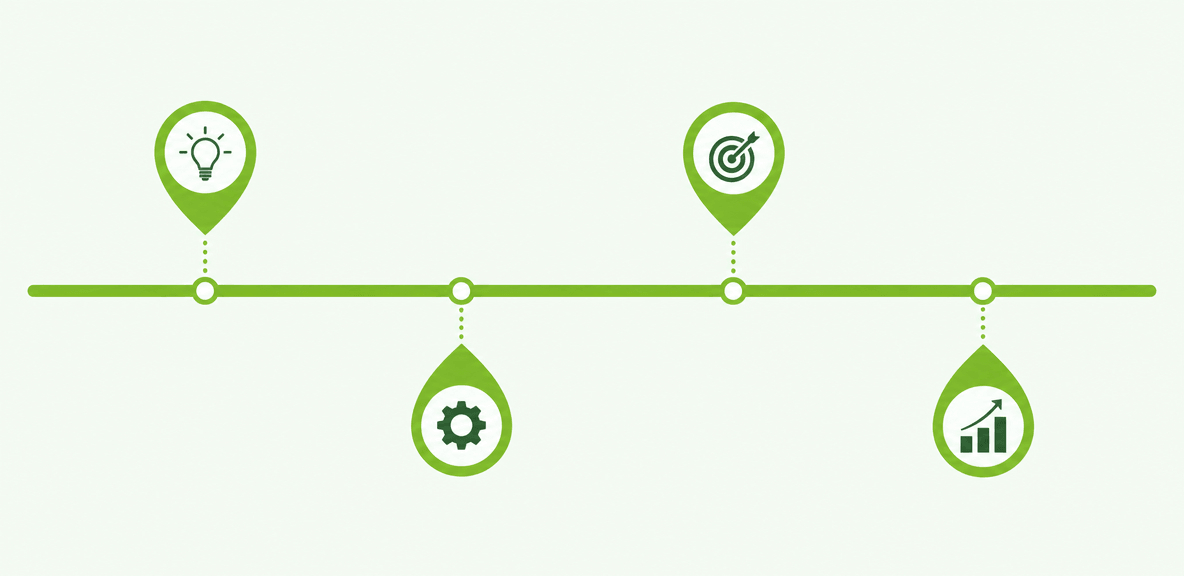
A practical rollout model looks like this:
- Choose one high-friction workflow with visible business impact.
- Measure the baseline using task time, support tickets, completion rates, or error rates.
- Launch targeted guidance for the specific friction points in that workflow.
- Monitor performance through analytics and user behavior data.
- Refine the experience based on results and feedback.
- Expand to adjacent workflows once the initial use case proves value.
This approach helps teams show results early and avoid spreading effort too thin across too many applications.
Governance, ownership, and cross-functional alignment
Sustaining in-app learning requires shared ownership.
IT often supports platform governance, security, and application access.
HR and L&D may shape onboarding and learning design.
Operations teams often own workflow accuracy and process outcomes.
Application owners understand system changes and business rules.
Without cross-functional alignment, content can become outdated or fragmented. Governance should define who creates guidance, who approves it, how updates are triggered, and how performance is reviewed over time.
What in-app learning can and cannot solve
In-app learning improves execution, reinforcement, and day-to-day usability. It helps employees complete tasks with less friction and more confidence. What it does not do is fix a broken process, compensate for poor software configuration, or replace executive sponsorship during transformation.
That distinction matters. If the workflow itself is flawed, adding guidance may make the problem more visible, but it will not resolve the root cause.
There are also practical limitations to manage:
- too much content can overwhelm users
- intrusive prompts can create annoyance
- UI changes create maintenance work
- not every issue is a guidance problem
At some point, organizations may need a more structured approach. When in-app learning expands across multiple applications, dedicated in-app guidance tools or a digital adoption platform become worth evaluating. These platforms can support scale, analytics, governance, and consistency across enterprise environments.
Signs your organization is ready for a more scalable approach
A more scalable approach becomes relevant when you see conditions such as:
- multiple enterprise applications with separate training challenges
- frequent process or UI changes
- global or multi-region rollouts
- persistent support volume after go-live
- pressure to prove software ROI more clearly
These are signals that point solutions and static content may no longer be enough.
How to build a realistic business case
A credible business case should start with current operational costs and gaps, not generic assumptions.
Estimate value using:
- current training and refresher costs
- support ticket volume and average resolution effort
- delays in critical workflows
- error rates and rework
- lost productivity from slow adoption
- underused software licenses or low feature utilization
Then model the likely impact on one or two measurable outcomes first. Enterprise buyers are more likely to trust a focused estimate tied to current workflows than a broad promise of transformation.
People Also Ask
-
What is in-app learning?In-app learning is guidance delivered inside an application while employees complete tasks. It helps users learn in the flow of work instead of relying only on external training, documentation, or memory.
-
How is in-app learning different from an LMS?An LMS is designed for structured learning before or around work, such as courses, certifications, and compliance programs. In-app learning supports employees during live task execution inside the software itself. The two approaches solve different parts of the adoption problem.
-
What are the best use cases for in-app tutorials in enterprise software?The best use cases are high-friction, high-value workflows such as HR onboarding tasks, CRM data entry and forecasting, ERP approvals, IT service request submission, and compliance-sensitive processes where mistakes create cost or delay.
-
How do you measure the ROI of in-app learning?Measure the ROI using operational outcomes such as time-to-productivity, task completion rates, support ticket reduction, process accuracy, feature adoption, and reduced training reinforcement costs. Start with baseline performance, then compare results after guidance is deployed.
-
What should teams look for in in-app guidance tools or in-app tutorial software?Teams should look for segmentation, analytics, content governance, maintainability, integrations, and no-code or low-code creation. For enterprise environments, the ability to manage guidance across multiple applications and adapt to ongoing changes is especially important.