FACT CHECKED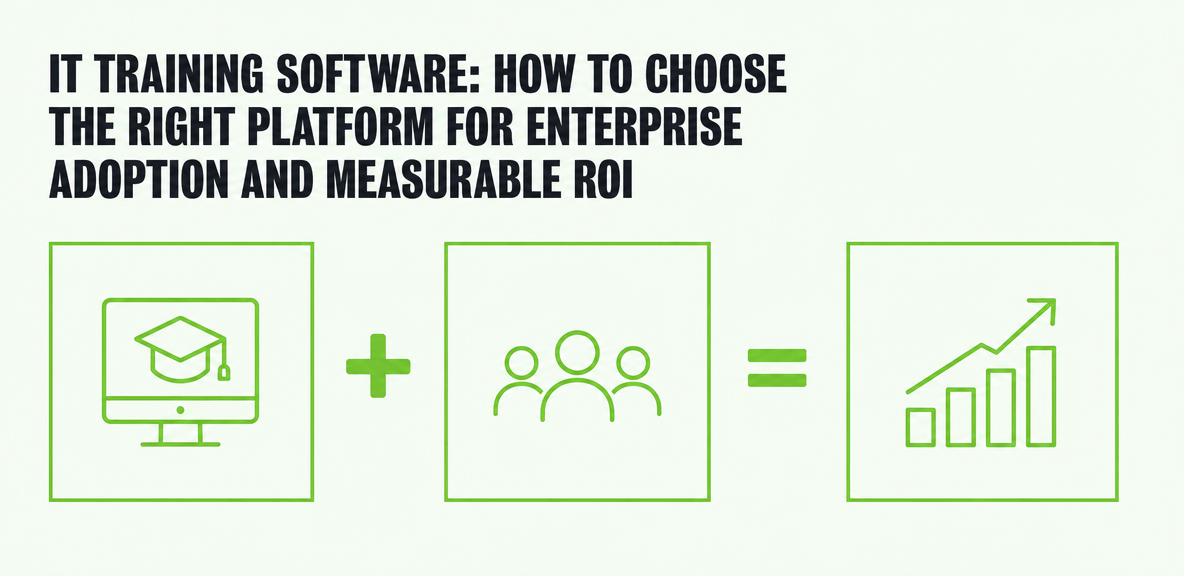
What is IT training software, and why are so many deployments underperforming?

IT training software is any platform that helps employees learn, apply, and maintain the skills required to use technology at work. In practice, that can mean formal course delivery, certification tracking, hands-on technical labs, knowledge documentation, or in-app guidance inside live business systems.
That definition matters because many companies buy training software to solve the wrong problem. They need employees to complete tasks correctly in SAP, ServiceNow, Salesforce, Workday, Microsoft 365, or internal tools. What they often buy instead is a platform built to track course completion.
The result is predictable. The software is deployed. The AI tools are licensed. The training program launches. But employees still struggle in live workflows, support teams absorb the fallout, and leaders cannot connect training spend to operational results.
The cost of weak adoption shows up fast:
- slower onboarding and longer time-to-productivity
- more help desk tickets and repeat questions
- inconsistent process execution across teams
- poor license utilization for expensive software investments
This is the enterprise lens that should shape your evaluation. The right IT training software should support performance in the flow of work, not just knowledge transfer before work begins.
What does IT training software typically include?
Most IT training software includes some mix of the following capabilities:
- course delivery for structured learning
- quizzes, knowledge checks, and assessments
- certification and completion tracking
- reporting for managers and administrators
- role-based learning paths
- searchable documentation or knowledge resources
- in-app support for live software usage
Not every platform includes all of these functions. More important, not every function solves the same business problem.
Why traditional training alone often fails in IT environments
Traditional training often underperforms because IT environments change constantly. Applications update, processes evolve, and employees move between systems all day. What someone learns in a course on Monday may be hard to recall in production on Thursday.
This is the classic training decay problem. Employees may understand a process in theory, but that does not mean they can complete it correctly in a live environment with real data, cross-team dependencies, and time pressure.
That gap becomes even more visible in enterprise software and AI adoption. According to a 2024 Gartner survey, the top barriers to AI adoption include lack of training (30%), change resistance (30%), poor AI quality (29%), and no process integration (26%). Training matters, but it is not enough on its own. Employees also need support at the moment of use.
What types of IT training software are available?

The market is broad, and that is where many evaluations go off track. Buyers compare training software platforms, online training software, and employee training software for small business as if they all solve the same problem. They do not.
The better approach is to match the platform type to the training need.
Learning management systems for structured training
An LMS is the right choice when you need structured learning at scale. It works well for compliance programs, foundational technical training, certification preparation, and scheduled learning plans.
If your main goal is to assign content, track completion, and document that people finished required training, an LMS is often the right foundation. It is less effective when your problem is live software execution inside complex business systems.
Virtual labs and sandbox environments for hands-on IT skill building
Virtual labs are useful when employees need to practice technical tasks in a safe environment. That includes cloud administration, infrastructure setup, cybersecurity exercises, software configuration, and other scenarios where people need direct experience.
These tools are strong for skill building. They are usually not built to guide users through day-to-day work inside production enterprise applications.
Knowledge bases and documentation tools for self-serve support
Knowledge platforms help teams publish reference content, standard operating procedures, and troubleshooting articles. They are valuable when employees need quick answers or process documentation.
Their limitation is timing. Documentation helps if the user knows what to search for and has time to stop and look. It is less effective for first-time task execution when the employee is already inside a live workflow and unsure what to do next.
In-app guidance and workflow support for live software adoption
This category addresses a different problem: helping employees complete work inside the application itself. In-app guidance supports software adoption by delivering help in context, inside the systems employees already use.
For enterprise IT teams, this matters most in complex environments where users move across ERP, CRM, ITSM, HCM, and productivity tools. It also matters in AI-assisted workflows, where employees must learn not only a new interface but a new way of working.
How to evaluate IT training software for enterprise use
A feature checklist is not enough. Enterprise buyers need an evaluation framework tied to business outcomes, system complexity, and governance requirements.
The question is not which product has the longest capabilities list. The question is which platform fits the operational problem you actually need to solve.
Start with the training problem, not the vendor list
Before demos begin, define the problem clearly. Are you trying to improve new hire onboarding? Manage certifications? Train employees on a new ERP process? Support AI adoption? Reduce support tickets? Most large organizations need a mix, but one of these usually drives the purchase.
That distinction changes the shortlist. A platform built for compliance training will not solve workflow friction in production systems. A tool designed for lab practice will not prove software adoption across business processes.
Core evaluation criteria that matter most
For enterprise use, the most important criteria usually include:
- ease of administration across regions and teams
- role-based personalization by job, system, or task
- reporting depth beyond completions
- integrations with core business and learning systems
- content maintenance as processes and software change
- scalability across multiple applications and user groups
- security and governance controls
- support for hybrid and remote workforces
The key is to evaluate these in the context of your environment, not in isolation.
Questions enterprise teams should ask in every evaluation
Every vendor should be able to answer practical questions such as:
- What does implementation require from IT and business teams?
- How much ongoing maintenance is needed when software interfaces change?
- How does the platform support updates to training content or guided workflows?
- Can reporting show workflow-level impact, not just learner activity?
- How does the platform perform across multiple enterprise applications?
- What evidence can it provide on adoption, errors, or task completion?
These questions usually reveal more than a polished demo does.
Which features actually improve IT training outcomes?
Some features create measurable behavior change. Others simply look good in evaluation meetings.
The strongest platforms improve time-to-productivity, reduce errors, lower support demand, and increase the value of existing software investments.
Analytics that measure more than course completion
Completion rates tell you who finished a module. They do not tell you whether someone can perform the task correctly in a live system.
The more useful metrics include adoption rates, task completion, workflow friction points, repeat failure patterns, and time spent getting through a process. For enterprise software, that level of visibility matters more than basic learning analytics.
Contextual support inside the application
Employees forget steps after formal training ends. That is normal, especially in ERP, CRM, ITSM, HCM, and finance systems where some tasks are complex or infrequent.
Contextual support closes that gap by guiding users inside the application at the moment of need. Instead of forcing people back to a course, PDF, or support queue, the platform helps them complete the task where work is happening.
Cross-application support for real enterprise workflows
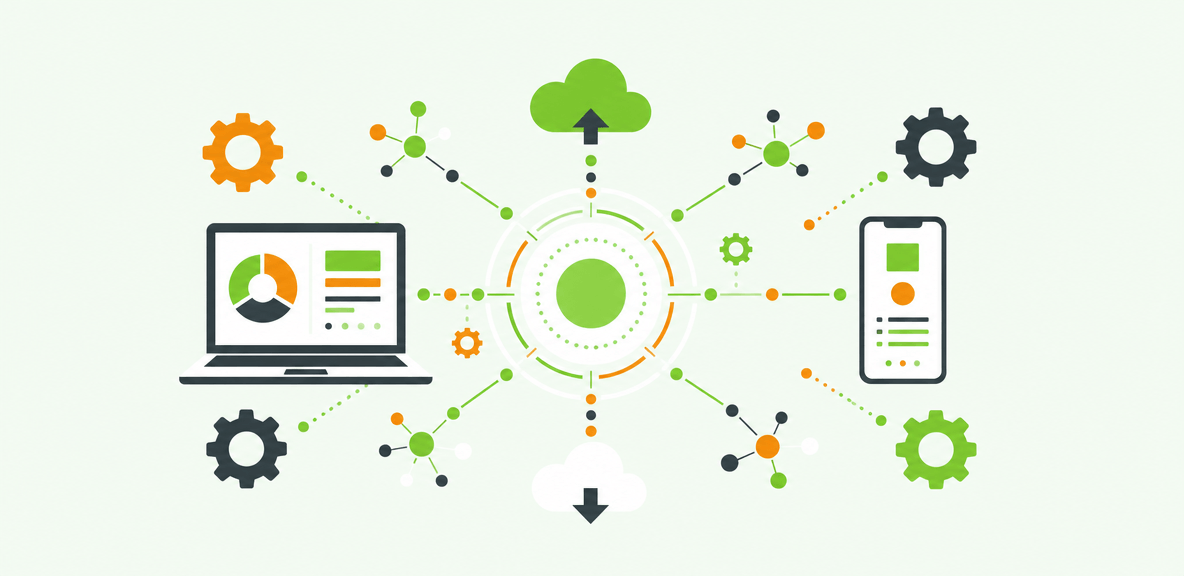
Most enterprise work does not stay inside one system. An employee might move from Outlook to Salesforce, then to SAP, then into ServiceNow to complete one process.
That is why cross-application support matters. Training support that works in only one tool leaves users on their own when the workflow crosses a system boundary. In large enterprises, that is often where errors and abandonment begin.
Automation and workflow support
Guided automation can reinforce correct execution by reducing repetitive clicks, navigation steps, and manual data entry in stable workflows.
This should be evaluated carefully. Automation can reduce error rates and support consistency, but it does not fix a broken process or poor system design. It works best when the underlying workflow is already defined and governed.
How to build a realistic business case for IT training software
A credible business case translates training software into operating and financial outcomes. CIOs, CFOs, and IT leaders want to know what will improve, how it will be measured, and where value is likely to appear first.
Where ROI usually comes from
In most enterprise environments, ROI comes from a combination of:
- fewer support tickets and lower support costs
- faster onboarding and shorter time-to-productivity
- reduced formal training overhead
- less rework from avoidable process errors
- better license utilization for software already purchased
Documented digital adoption case studies often show gains in these areas, especially when training is paired with in-app support during software rollouts.
Limitations and tradeoffs buyers should plan for
No platform fixes broken processes, poor software configuration, weak executive sponsorship, or low-quality source content on its own.
Training software supports change management. It does not replace it. If the workflow itself is unclear or the system is poorly implemented, the platform may expose the problem faster, but it will not solve the root cause.
When smaller or free tools are enough and when they are not
Free training software for employees or employee training software for small business can be enough when the environment is simple, the user base is small, and training needs are mostly instructional.
Enterprise requirements create a different standard. If you need governance, advanced analytics, support across multiple systems, and evidence of workflow-level impact, low-cost tools often reach their limit quickly.
How modern IT training software fits into AI adoption and enterprise software performance
IT training software now sits inside a larger question: how do you help employees use software and AI tools effectively in daily work, and how do you prove it is happening?
According to a 2024 Gartner survey of more than 3,000 managers, only 8% of employees use AI frequently in ways that meaningfully improve their work. Gartner research also finds 95% of CIOs expect significant AI value. That gap is not just a model issue. It is an adoption and accountability problem.
Formal training can explain what an AI tool does. It cannot, by itself, ensure employees use it correctly across real workflows or show whether that usage is producing results.
Why AI tools create a new training challenge
AI changes the training problem in two ways. First, employees must learn new behaviors, not just new screens. Second, leaders need evidence that AI is being used effectively inside actual business processes.
That is why AI adoption requires more than courses. It also requires in-workflow support, cross-application continuity, and measurable usage data tied to outcomes.
How WalkMe complements IT training software
This is where formal training systems and digital adoption platforms serve different roles. Learning systems teach concepts, policies, and process knowledge. WalkMe’s action bar supports employees inside live enterprise systems.
The action bar provides screen-level context so support appears based on what the employee is actually viewing. It enables cross-application unification so guidance can continue across systems. It supports workflow execution at the UI level, where many enterprise tasks still happen. And it provides adoption analytics that show whether employees are completing workflows and where friction persists.
That does not replace formal learning. It completes it.
If you are evaluating IT training software, the practical next step is to map your needs into categories: structured learning, hands-on practice, self-serve knowledge, and in-app workflow support. From there, compare platforms based on the operating problem you need to solve first and the evidence you will need to prove value after deployment.
People Also Ask
-
What is IT training software?IT training software is a broad category of tools used to teach, support, and track technology-related learning at work. It can include LMS platforms, virtual labs, documentation tools, and in-app guidance for live software usage.
-
How is IT training software different from an LMS?An LMS is one type of IT training software. It focuses on structured learning, course assignment, and completion tracking. IT training software as a broader category also includes tools for hands-on practice, knowledge access, and support inside live workflows.
-
What features should I look for in IT training software?Look for features that match your use case. Common priorities include role-based learning paths, reporting, certification tracking, content maintenance, security controls, and contextual support inside applications. For enterprise software adoption, workflow-level analytics and cross-application support are especially important.
-
What is the best IT training software for enterprise teams?The best option depends on the problem you need to solve. Enterprises often need more than one platform type. An LMS may be right for compliance and foundational learning, while in-app guidance may be better for live software adoption and process execution.
-
Can free training software for employees work for IT teams?Yes, in smaller or less complex environments. Free tools can work when training needs are simple and governance requirements are limited. They are usually less effective for large enterprises that need scale, analytics, security, and support across multiple systems.
-
How do you measure ROI from IT training software?Measure ROI through outcomes such as reduced support volume, faster onboarding, higher software adoption, lower error rates, stronger license utilization, and less rework. The most useful approach combines learning metrics with workflow data from the systems where employees actually work.