FACT CHECKED
Why interest in an AI agent controls computer use is rising
The interest behind searches like ai agent controls computer and ai agent takes control of computer is not just curiosity about futuristic software. It reflects a real enterprise problem. Organizations have already invested in copilots, assistants, and AI tools across Microsoft, SAP, Salesforce, and ServiceNow. What they still cannot prove is whether those tools are improving actual work.
That gap matters because enterprise value is not created in a demo. It is created when a workflow gets completed correctly, across systems, by employees who do not have to stop and figure out the next step on their own. When leaders search for AI agents that can control computer workflows, they are often looking for a way to close the distance between AI capability and business performance.
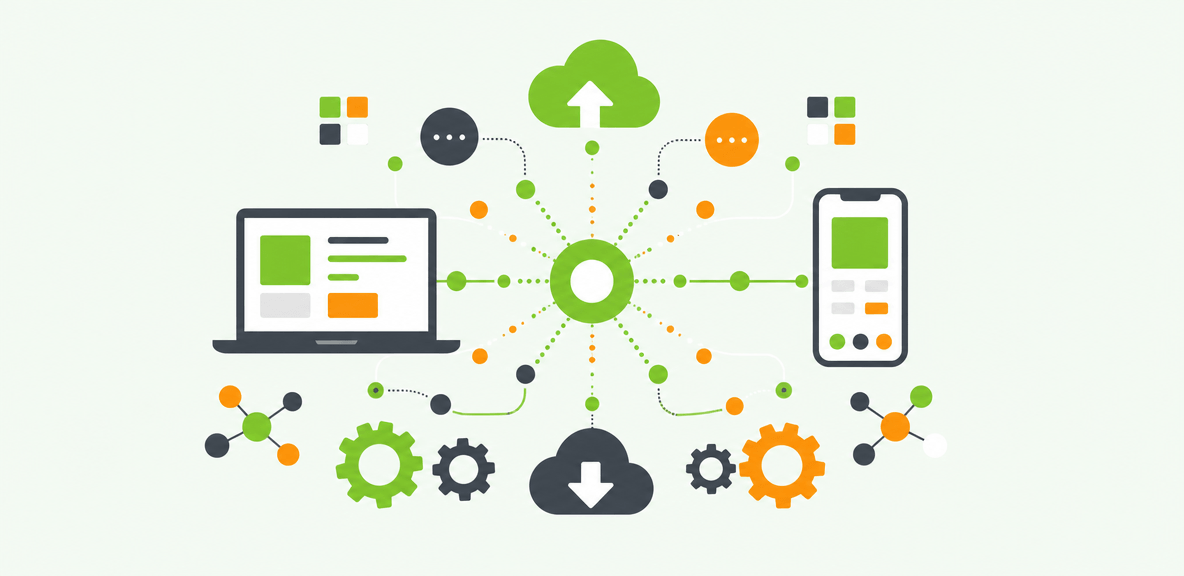
This is especially relevant in enterprise environments where work still depends on legacy applications, form-heavy processes, and handoffs between systems. A procurement workflow may start in email, move into SAP, require validation in Salesforce, and end in ServiceNow. Text generation alone does not complete that process. Workflow execution does.
The board-level question behind the trend
Behind the search trend is a board-level question: is AI improving work in a measurable way?
That is the core AI accountability problem. Leaders do not need another impressive interface. They need evidence that AI is reducing friction, increasing workflow completion, and improving software ROI. If an AI agent takes control of computer tasks but no one can show where it helped, where it stalled, or what outcomes changed, the investment story stays incomplete.
What research says about the AI investment gap
The investment gap is now well documented. Gartner research finds 95% of CIOs expect significant AI value from their investments. Yet according to a 2024 Gartner survey of more than 3,000 managers, only 8% of employees use AI frequently in ways that meaningfully improve their work.
The problem is not limited to slow adoption. S&P Global research finds that 42% of companies abandoned the majority of their AI initiatives in 2025, up from 17% the year before. That pattern points to a hard truth. Enterprises are not struggling because AI lacks promise. They are struggling because AI adoption breaks down in the real workflows where value is supposed to appear.
What it means when an AI agent takes control of computer tasks
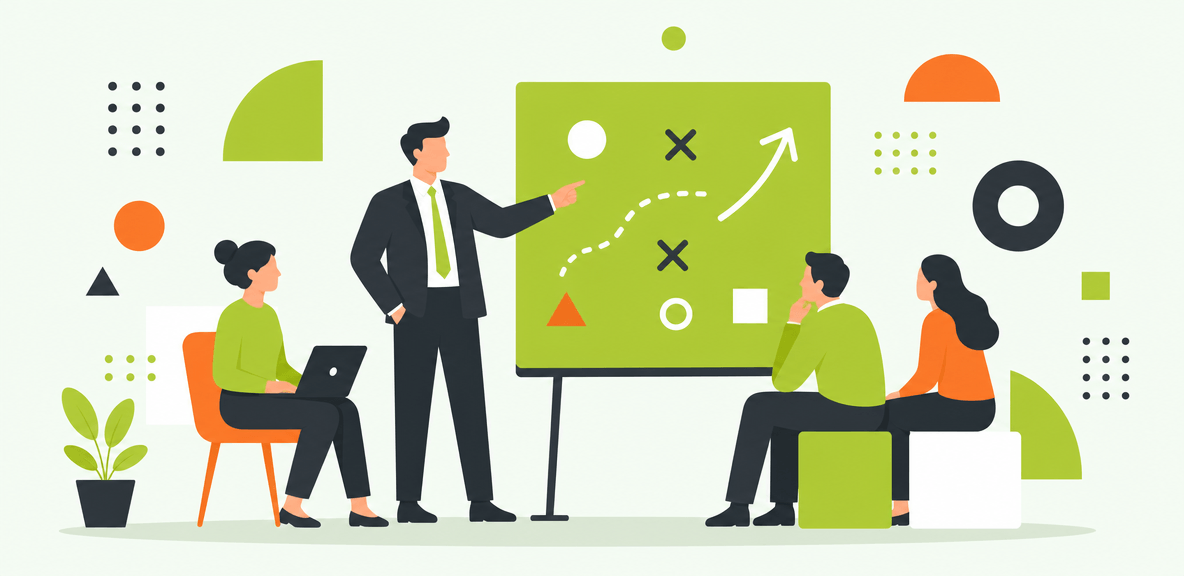
When an AI agent takes control of computer tasks, it means the system can observe what is happening in the user interface, interpret the current context, and execute actions such as clicking, typing, selecting fields, navigating screens, and moving a workflow forward.
For enterprise readers, that definition needs precision. Not all computer control works the same way.
Some tools automate only within a browser. Some depend on APIs that connect structured systems in the background. Others operate at the UI level, where employees actually work across desktop apps, web apps, legacy environments, and systems with limited API coverage. That last category matters most in large enterprises because many business-critical workflows still live in interfaces built for humans, not AI.
The real question is not whether AI can act. It is whether it has the right context, reach, and controls to act reliably.
How computer control works in practice
In practice, computer control usually follows four steps.
First, the system must understand the current screen state. What application is open? What form or record is visible? Which field is active? What has already been completed?
Second, it must identify the relevant UI elements. That includes buttons, menus, fields, alerts, and workflow states.
Third, it must determine the next action. Should it populate a field, move to another screen, trigger an approval, or stop for a human decision?
Fourth, it must validate completion. Did the action succeed? Did the form submit? Did the workflow move to the next state? If not, what exception handling path should apply?
Those mechanics sound straightforward in a demo. In enterprise software, they rarely are.
Why enterprise workflows are harder than consumer demos
Consumer demos often show a single app, a clean interface, and a stable path from start to finish. Enterprise workflows are different. They cross application boundaries, depend on role-based permissions, and vary by region, business unit, and process maturity.
An employee might begin in Outlook, move to SAP S/4HANA, validate a customer record in Salesforce, open a ticket in ServiceNow, and reference a custom internal application along the way. UI states change. APIs may be incomplete or unavailable. Permissions may differ by user. A process that looks standard on paper may branch three different ways in practice.
That is why enterprise AI execution is not just a control problem. It is a context problem.
Where AI computer control delivers value and where it fails without context

AI computer control creates the most value where workflows are repetitive, high volume, and governed by clear business rules. Think onboarding tasks, IT service actions, HR transactions, and ERP data entry. In these cases, workflow execution matters more than content generation.
But many AI agents fail at the exact point where enterprise value begins. They stall at handoffs between applications. They lose track of the screen state. They act without enough context to know whether the next step is appropriate.
That is why AI adoption remains the core challenge. Enterprises do not just need another AI interface. They need an execution and accountability layer that can guide, act, and measure performance where work actually happens.
High-value use cases for enterprise teams
For CIOs and CTOs, the high-value use case is measurable workflow completion across expensive AI and software investments. The question is not whether employees opened the tool. It is whether the tool helped complete the task.
For VP IT and enterprise architecture teams, the value is cross-application unification. One workflow may span systems that no single copilot can reach on its own.
For HR operations, AI computer control can help with onboarding flows, employee record updates, and benefits-related processes that require accuracy across multiple systems.
For finance operations, it supports invoice handling, procurement steps, ERP form completion, and exception resolution where errors create downstream cost.
For service desk teams, it can reduce repetitive effort in ticket handling, access requests, routing, and standard remediation tasks.
Common failure modes when an AI agent controls computer interfaces
The most common failure modes are operational, not theoretical.
An agent may take the wrong action because it misread the context. It may depend on brittle selectors that break when the application changes. It may complete part of a workflow but fail at a cross-application handoff. It may not have the reach to continue from one system into the next. Or it may act in ways that are hard to audit after the fact.
These issues become serious when workflows affect payroll, financial controls, procurement approvals, or customer records. Enterprise teams need more than action. They need reliable execution, exception handling, and evidence.
Why copilots alone cannot close the gap
Copilots are valuable for generating, summarizing, and recommending. They are complementary to workflow execution, not a substitute for it.
Even if your copilot works perfectly inside its own ecosystem, enterprise work does not stay inside one ecosystem. The next step may require another application, another screen, or another system with no direct API path. Copilots still need real-time context and workflow execution across application boundaries. That is where the gap appears, and where an execution and accountability layer becomes necessary.
What enterprises should require before letting an AI agent control computer workflows
Before approving AI computer control at scale, enterprises should evaluate five areas: security, governance, reliability, privacy, and measurable outcomes.
The architecture matters. Many computer use agents rely on screenshots and cloud transmission to interpret what is happening on the screen. That approach may work in a demo, but it raises real concerns in regulated environments. Enterprise buyers often need local interaction, deterministic execution paths, and audit trails that security and compliance teams can evaluate.
A useful test is simple: can this platform scale beyond a pilot without creating a new governance problem?
Governance, privacy, and security controls
Enterprises should require approval models, role-based access, audit logs, and clear data handling policies. They should define consent boundaries for where AI can act and where human review is mandatory.
This is also where architecture becomes decisive. In regulated environments, no screenshot capture in transit matters. If sensitive employee or customer data appears on screen, organizations need to know whether it is being captured, where it is processed, and how it is retained. Governance is not a secondary concern when AI can act on business-critical workflows.
Reliability and control in UI-native execution
Reliability in UI-native execution comes from deterministic execution paths, validation checks, exception handling, and human oversight.
That means the system should not simply attempt an action and hope it worked. It should verify field values, confirm state changes, detect workflow exceptions, and escalate when conditions fall outside approved paths. For critical workflows, human oversight remains essential. Governed autonomous execution starts with controlled execution, not unconstrained autonomy.
How to measure whether AI computer control is actually working
Enterprises should measure AI computer control the same way they measure any operational capability: by outcomes.
That includes adoption rate by workflow, completion rate, exception rate, time saved, and friction points by application. It should also include business outcome reporting tied to task-level performance, not just license activation or employee sentiment. If leaders cannot see where AI-assisted workflows succeed, fail, or stall, they still do not have AI accountability.
How WalkMe completes AI agents with screen-level context, cross-application unification, and proof
WalkMe addresses this gap through the action bar, which serves as the execution and accountability layer across enterprise applications. The action bar gives AI what it typically lacks on its own: screen-level context, cross-application unification, UI-native execution, and measurable adoption data.
This is why WalkMe is complementary to copilots. It does not replace them. It completes them. If your enterprise has already invested in AI tools, WalkMe helps make those tools work where workflows actually happen.
Today, that means deterministic workflow execution and in-app guidance across your stack. Over time, it points toward a broader model of governed autonomous execution built on the same UI-level foundation.
SEE, UNIFY, ACT, PROVE in the action bar
SEE: WalkMe reads what the employee sees in real time. That screen-level context gives AI the information it needs without depending on manual prompting alone.
UNIFY: The action bar works across enterprise applications, so context can carry from one system to the next instead of stopping at application boundaries.
ACT: WalkMe executes at the UI level through direct interaction with workflows where APIs do not exist or do not cover the full process.
PROVE: WalkMe provides adoption analytics and workflow-level evidence, so leaders can see usage rates, completion patterns, friction points, and measurable outcomes.
Together, these capabilities address the core enterprise problem. AI can be capable and still underperform if it cannot see, reach, act, and prove value across real workflows.
Realistic expectations and limitations
No platform fixes a broken process. No execution layer can compensate for poor underlying AI outputs in every case. Human review still matters for sensitive workflows. Process redesign still matters when the workflow itself is flawed. Change management still matters because employee behavior does not change through technology alone.
What WalkMe does is close the structural gap between AI potential and AI performance. It helps AI act where enterprise work happens and gives you the data to measure whether that action is producing results.
What is at stake for enterprise AI performance
The window for proving AI ROI is narrowing. Most organizations are not deciding whether to invest in AI. They already have. The question now is whether they can turn that spend into measurable workflow performance.
Organizations that solve AI adoption and accountability will get more value from the software they already bought. Those that do not will keep funding tools they cannot operationalize across the enterprise.
If proving AI ROI is the next conversation you are having with your board, the WalkMe action bar is where that proof starts.
People Also Ask
-
What does it mean when an AI agent controls computer tasks?It means the AI can interpret what is happening in the interface and take actions such as clicking, typing, navigating, and completing parts of a workflow. In enterprise settings, the important distinction is whether it can do this reliably across applications, with the right context and controls.
-
Is it safe to let an AI agent take control of computer workflows in the enterprise?It can be safe if the architecture supports governance, privacy, and auditability. Enterprises should require role-based access, approval models, audit logs, validation checks, exception handling, and clear data handling rules. For regulated environments, local UI interaction and no screenshot capture in transit are especially important.
-
How is WalkMe different from computer use agents that rely on screenshots?Computer use agents often capture screenshots and transmit them to cloud systems to interpret the interface. WalkMes approach is different. It acts locally through direct UI interaction, without screenshot capture in transit. Combined with screen-level context, cross-application unification, deterministic execution, and adoption analytics, that gives enterprises a more governed path to workflow execution and AI accountability.